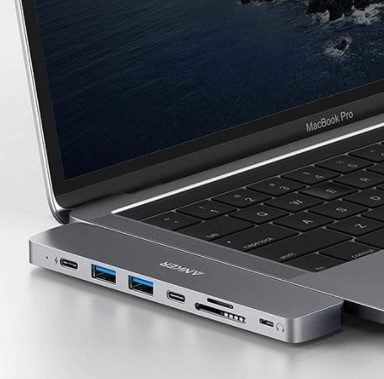
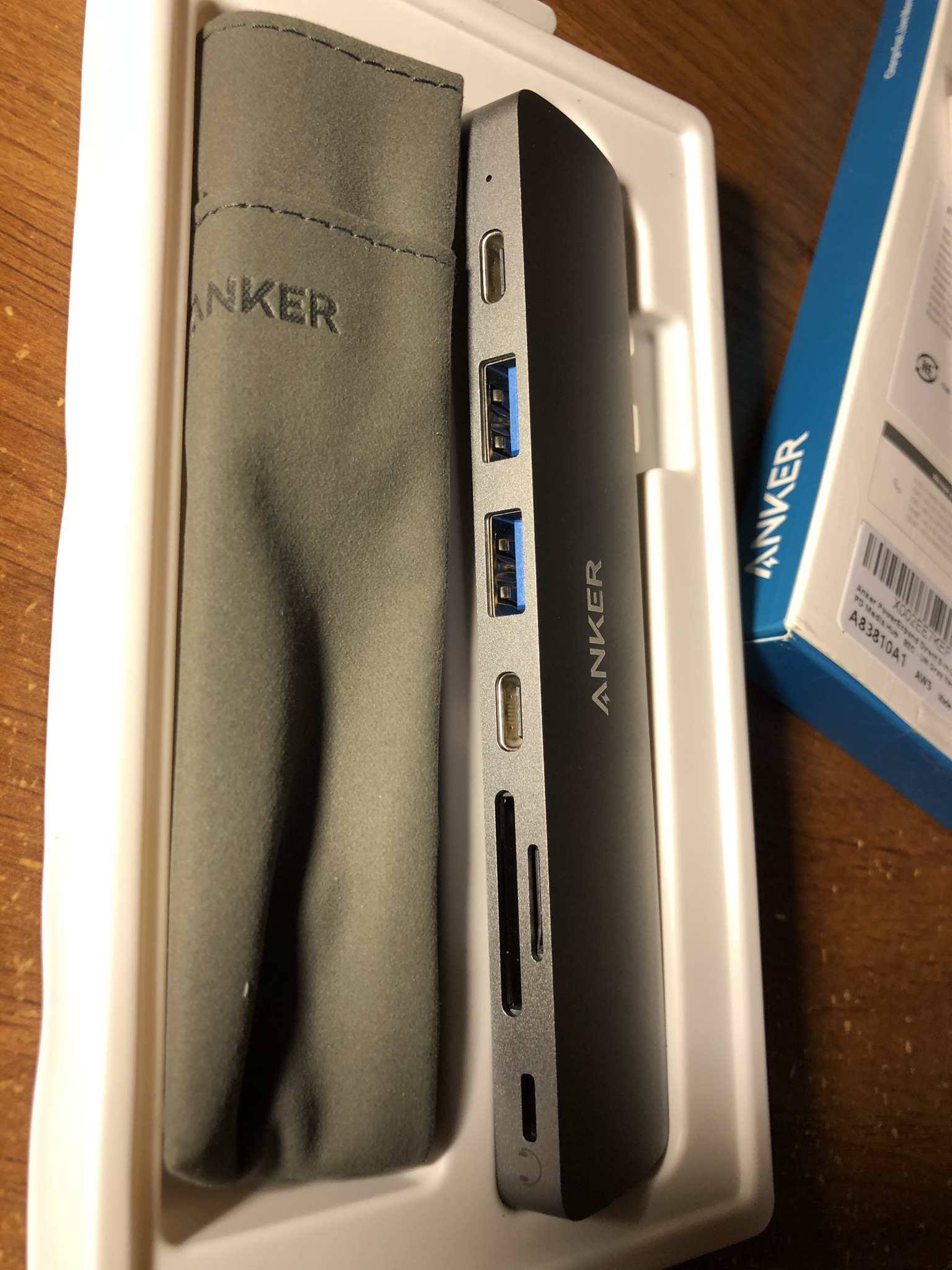
I have decided to order Anker PowerExpand 8-In-2 USB-C PD Media Hub for my MacBook Pro because if any of you own the newest MacBook Pro ’16 (Dec 2019) and as well previous Macbook Pro generations only offer two to three USB-C ports but none of the other essential ports/slots such as USB 2.0/3.0 and the universal memory cards reader. The only way you can use USB 2.0/3.0 or read universal memory cards such as Micro SD and SD is if you have an adapter/hub, of which there are countless. There are numerous options, so choosing which adapter/hub to get for your MacBook or iMac is a headache and a hassle because, when you shop for them, you have to think about two things: is the brand trustworthy, and what ports/slots do they have? None of the USB-C adapters/hubs meet the exact specifications I found after some shopping. Some adapters/hubs offer only two USB 2.0/3.0 ports with a micro SD/SD memory card reader; others offer 2 USB 2.0/3.0 ports, 1 USB-C port, an Ethernet port, and HDMI for 4K or 5K resolution, with a micro SD/SD memory card reader. Some of them have additional ports, such as an audio jack for headphones, while others have only one audio port via Lightning, commonly used for Apple’s EarPods. Also, some of them support pass-through charging via USB-C, so you can charge the Mac with an adapter/hub, and some have an additional USB-C port for data transfer while the other USB-C port is for pass-through charging.
So, there are too many to choose from because many brands make them, and they offer many different models with different specifications and capabilities for their adapters/hubs. To pick the right one, you would have to choose which ones are most important to you, and in doing so, you might have to sacrifice, but you would be lucky if you did not by narrowing them down. This review will share my opinion on the Anker PowerExpand 8-in-2 USB-C PD Media Hub. 8-in-2 means it has eight ports/slots, but the adapter/hub requires both of a Mac’s USB-C ports to work. There are some with only one, but they have far fewer capabilities and specifications, especially no pass-through charging or HDMI that can read 4K or 5K because they need a lot of power, so that is where the two USB-C requirements come in.
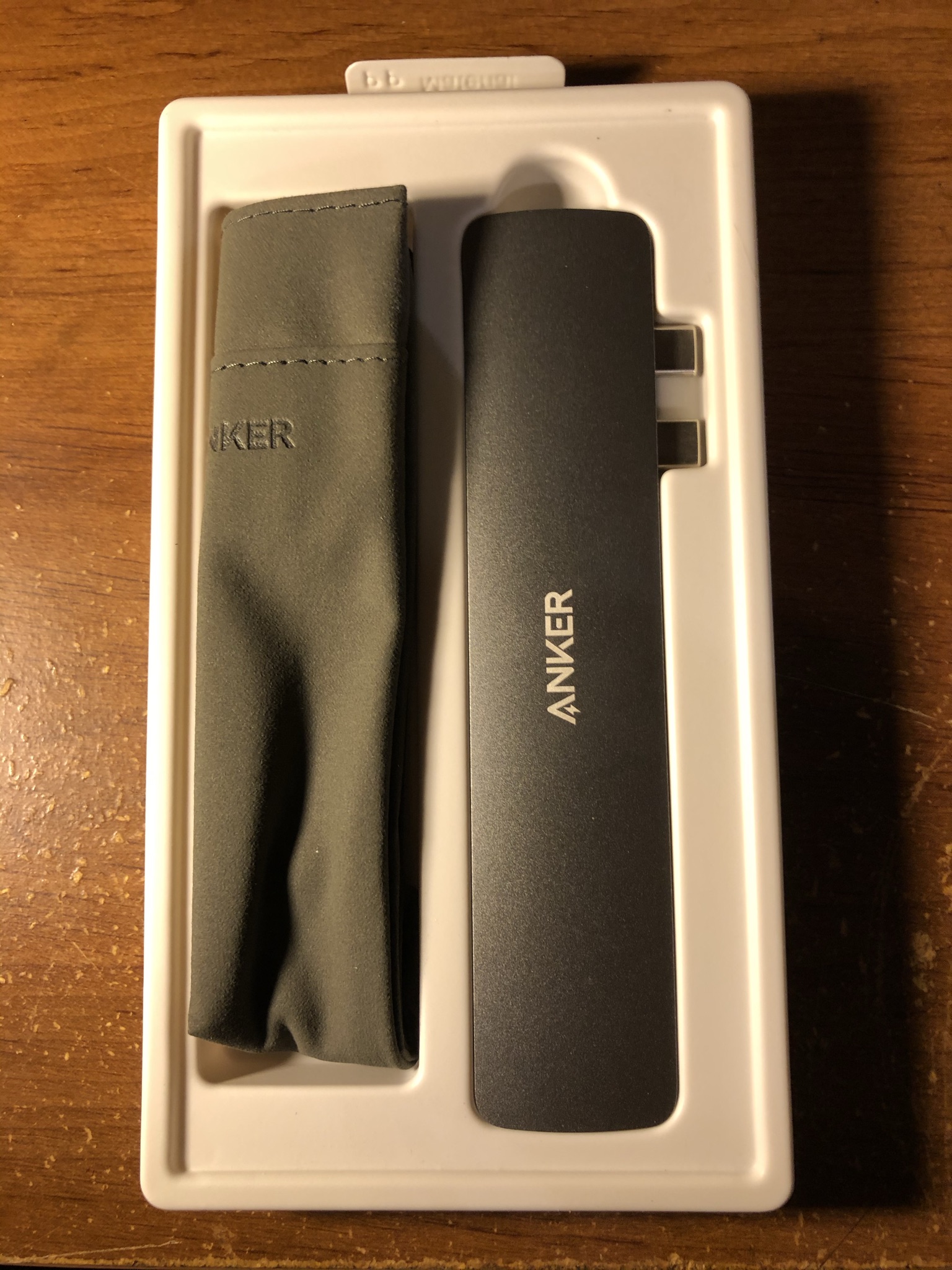
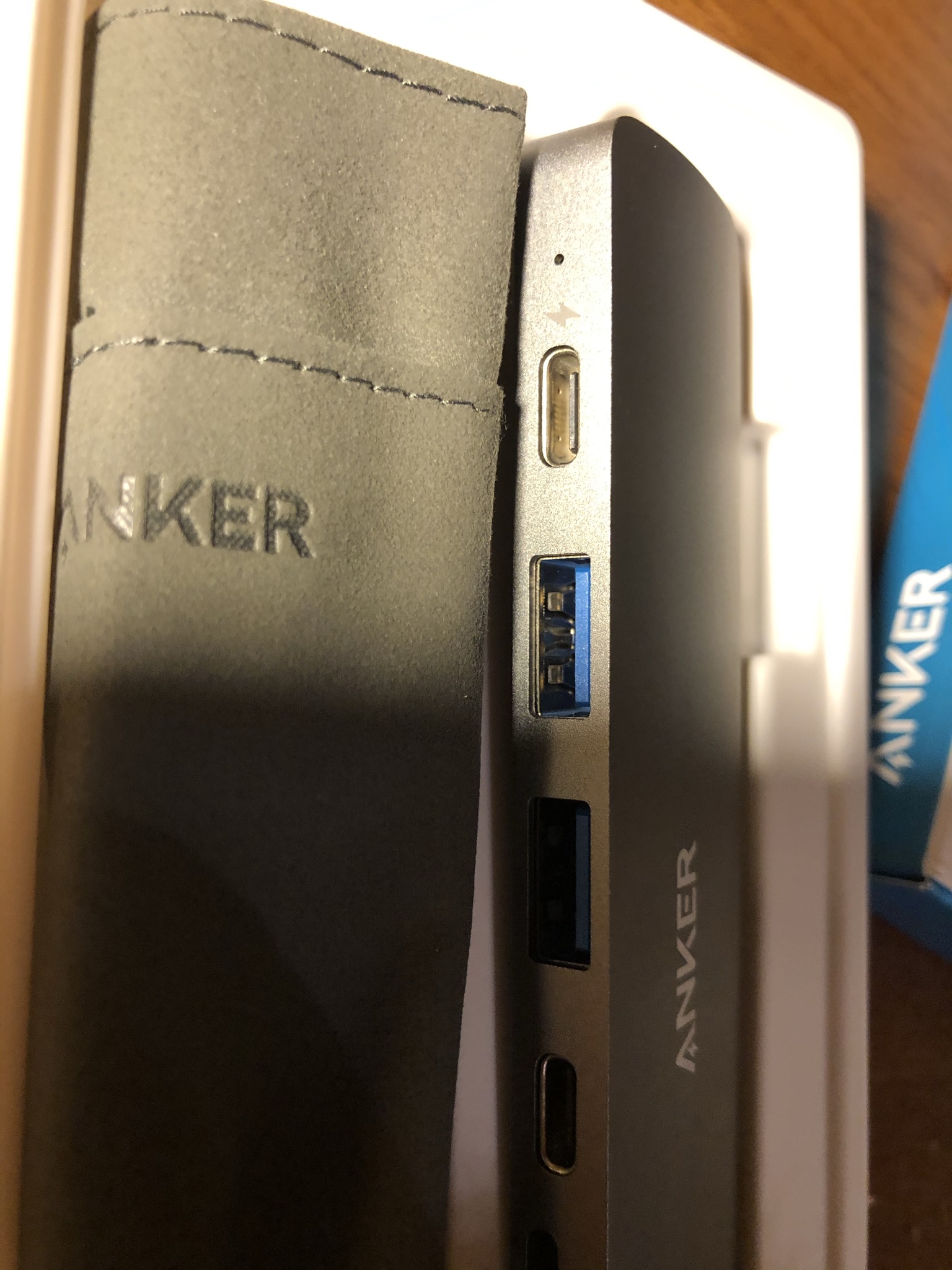
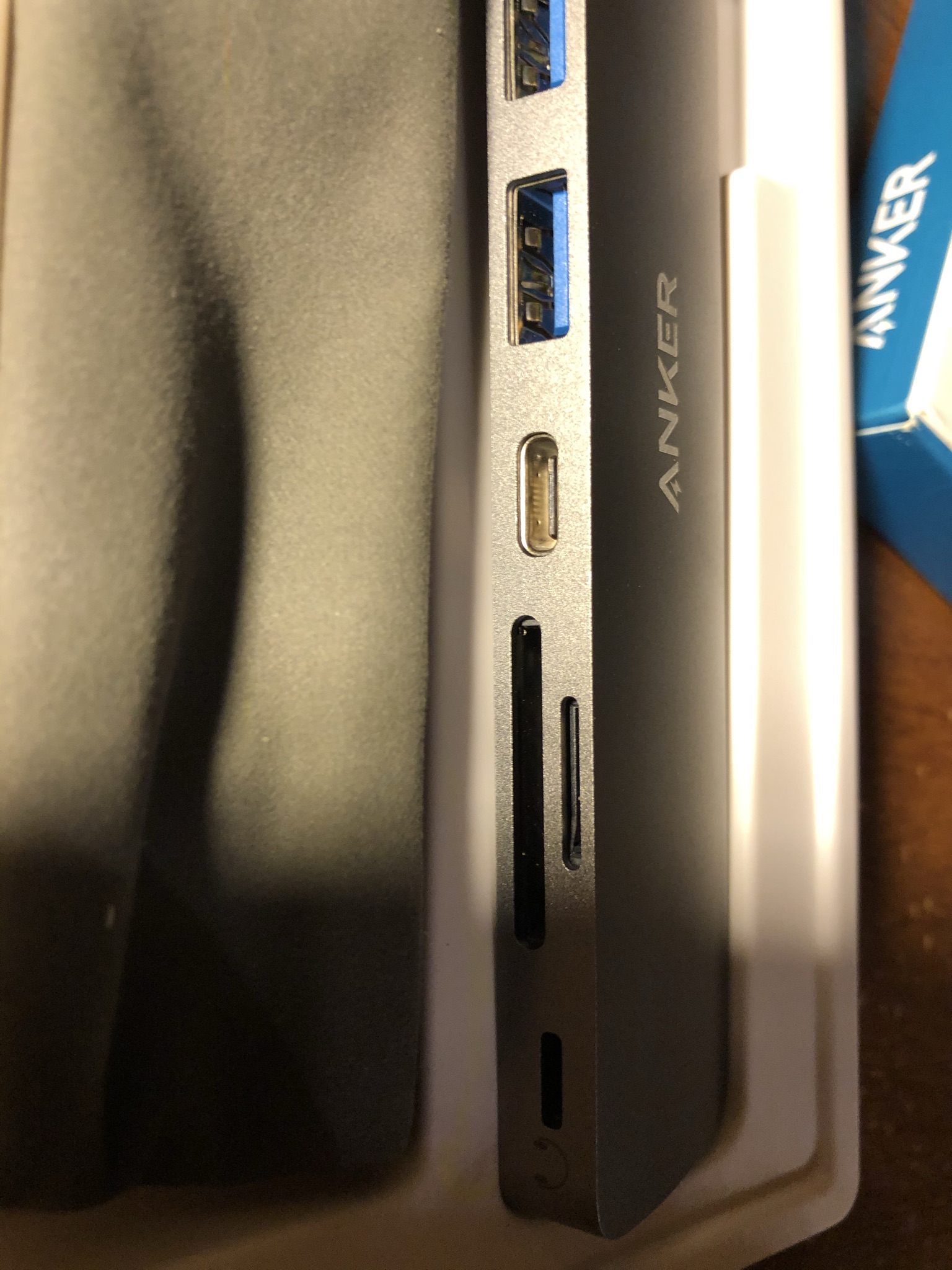
This Anker PowerExpand 8-in-2 USB-C PD Media Hub has everything I need and offers more than most people need with their Macs. The most important features I need are pass-through charging with an additional USB-C port for data, two USB 3.0 ports, and a microSD/SD memory card reader. While the other ports on this Anker PowerExpand 8-In-2 USB-C PD Media Hub, such as HDMI that reads 5K at 60Hz to a single monitor or 4K at 60Hz to two monitors, would need a splitter, which is sold separately, and that Lightning audio port is a nice optional feature but not a must for me. It will have been better if it has a 3.5mm male audio jack instead of the lightning audio port so I can use my headphone because I don’t like earbuds which some of them use the lightning cable as audio, which is only used mostly for Apple’s EarPods, so it is somewhat restricted as the 3.5mm audio jack is still universal.
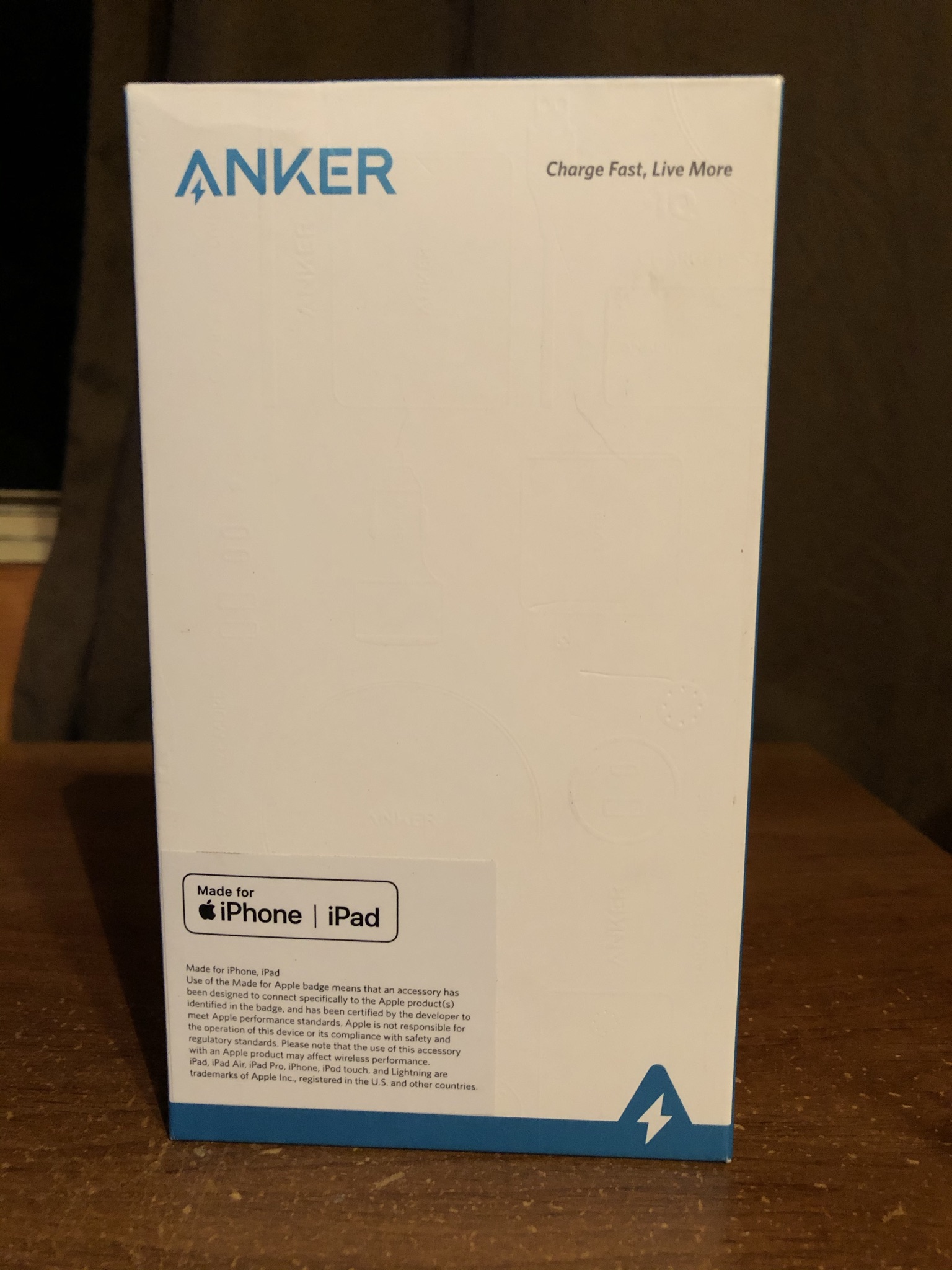
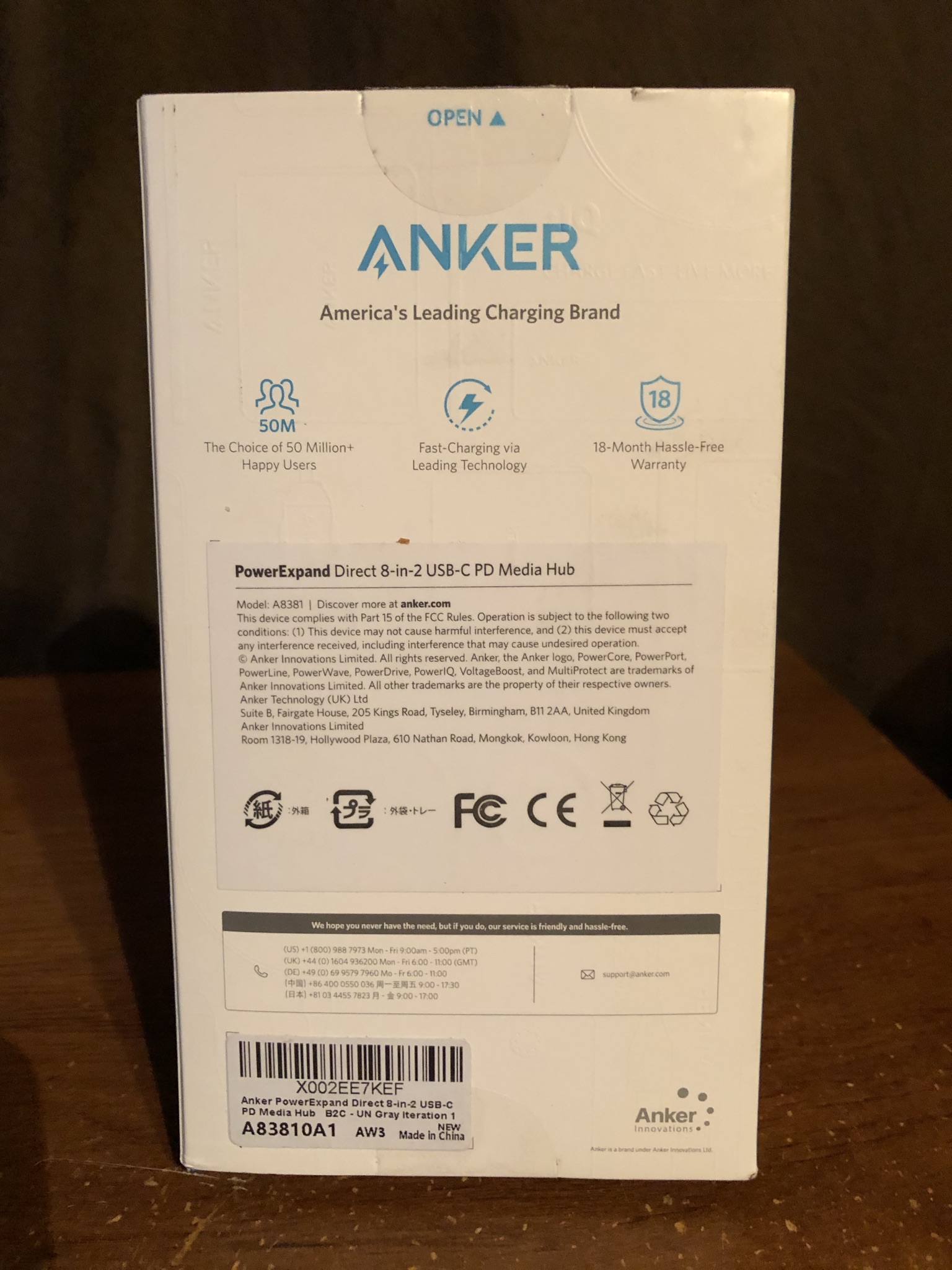
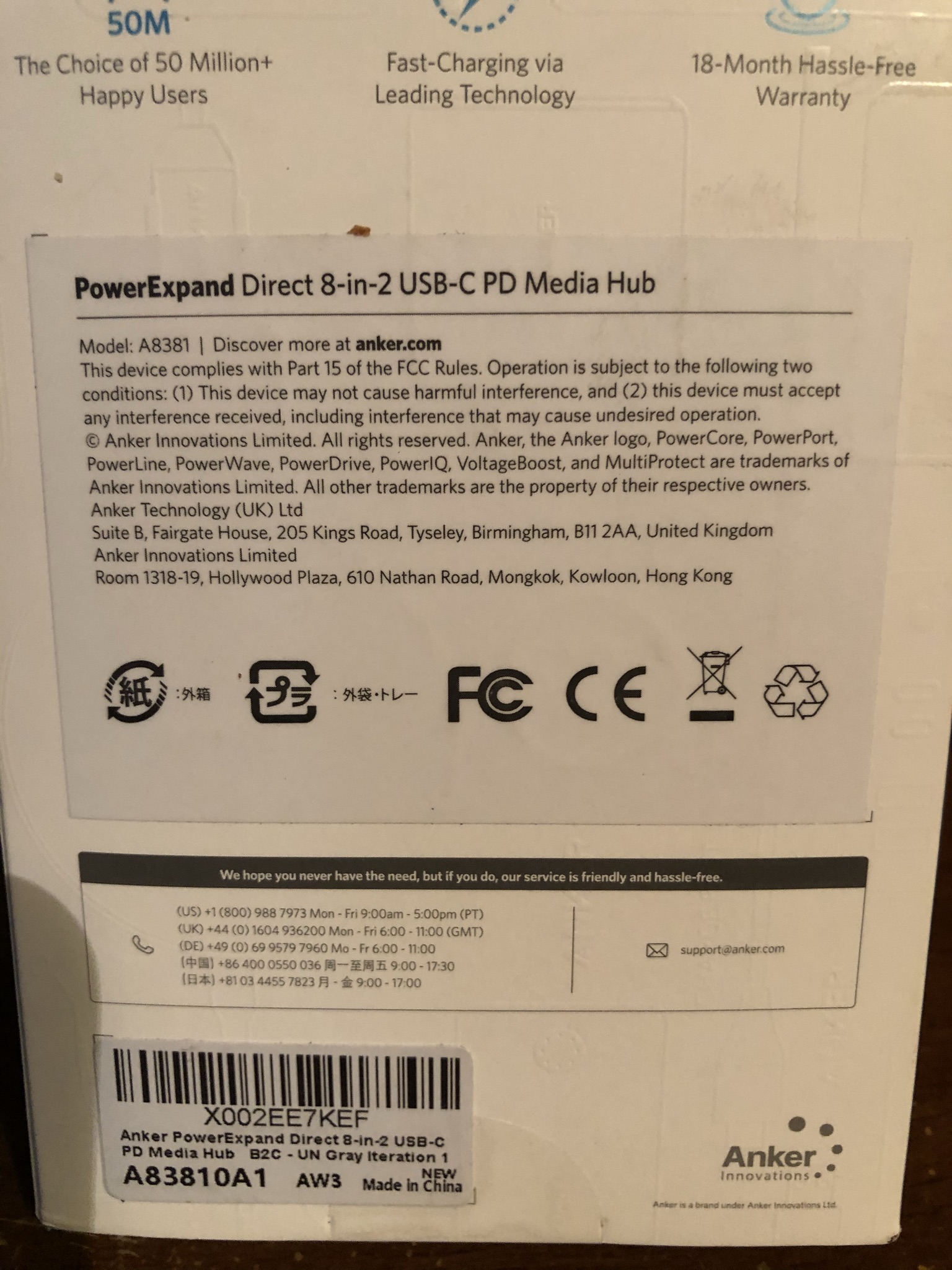
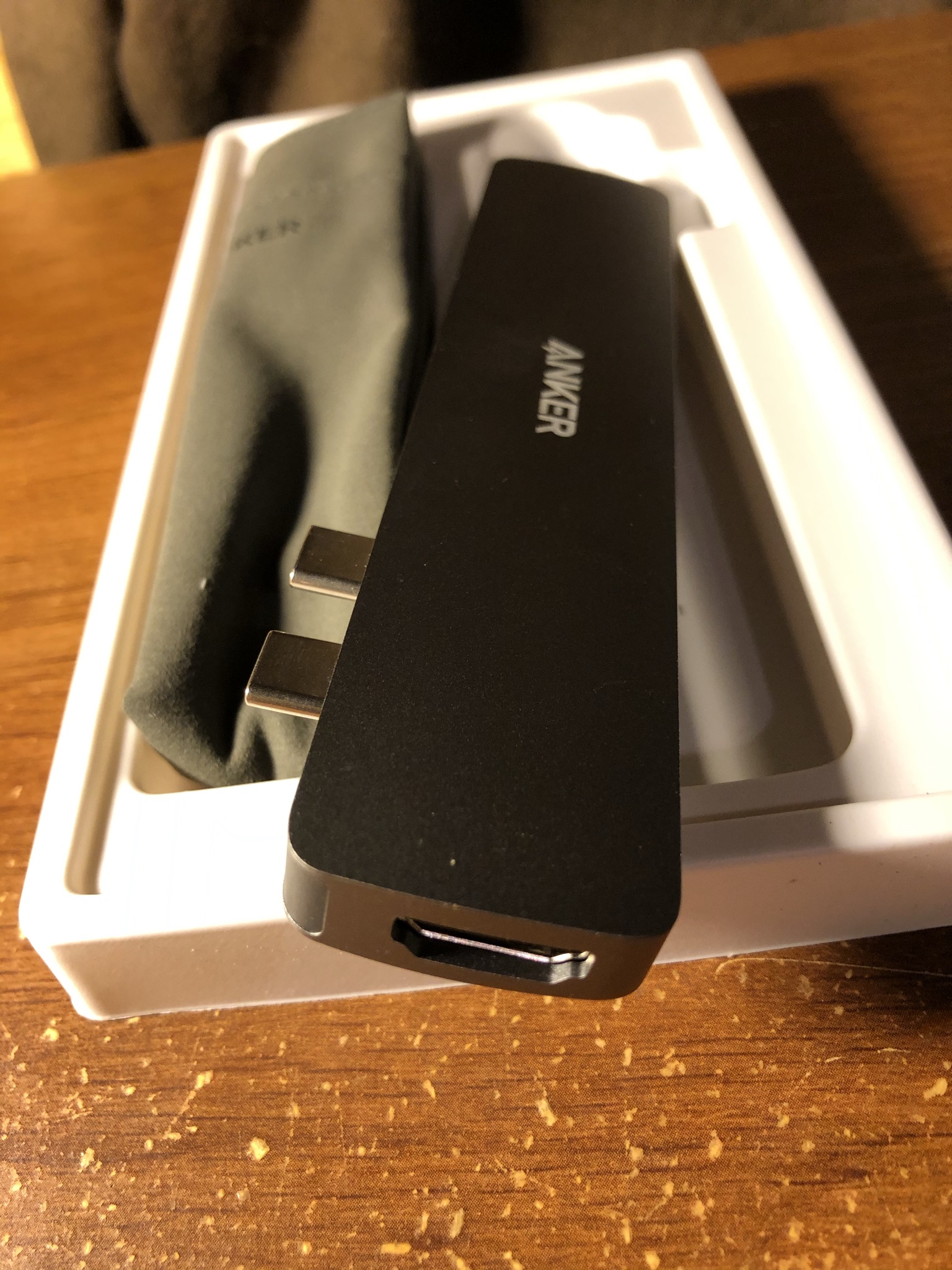
That said, the Anker PowerExpand 8-in-2 USB-C PD Media Hub was tailored to my daily needs, so I ordered one and looked forward to the day UPS delivered it. Thanks to Amazon’s Prime, I have two days of free shipping, so I didn’t have to wait for a long time, and when it arrived, I said to myself that I finally have the adapter/hub that would allow me to do what I need with my MacBook Pro as a journalist/blogger. So, I decided to open the shipping package; I pulled out a box with an almost white blank on the front, which had me confused until I turned it around and seen that it said Anker PowerExpand 8-In-2 USB-C PD Media Hub, so I said, “finally!” so I cut the tape that holds the lid to open the box itself to pull the adapter/hub out.
From there, after pulling the adapter/hub out of the box, the disappointment hit me. Why was I disappointed? Because I could not use it. Anker’s website and their product descriptions on Amazon and elsewhere did not warn us about a vital thing. It will not work if you have a protective case on your MacBook. To use the Anker PowerExpand 8-In-2 USB-C PD Media Hub, I have to take the protective case off my MacBook and then plug the adapter/hub in every single time! By now, Anker should realize that many people protect their MacBooks, whether new or old, because they are expensive to begin with, but it seems they did not, since they did not mention that it might not work with a MacBook case. No, it is a waste of my time to take off the protective case every time I need the adapter/hub, because the protective case I have on my MacBook is not a sleeve or a simple, straightforward case. I have my MacBook Pro in an i-Blason rugged case, so to take it off, I have to pull it off with a bit of force on both sides since they are snap-on, and if I keep doing that often, I can see it would damage the MacBook. The reason that the adapter/hub does not work with a protective case is that it is not long enough to connect to the MacBook’s USB-C ports, and the adapter/hub would fall right out with a finger tap, which it does because it cannot connect due to being too small to fit with the protective case.
But for the sake of the review, I decided to take the protective case off, which made me nervous because I was afraid of damaging it, as my MacBook Pro is still new, as it’s not a year old yet. The adapter/hub works well. It can charge from the wall plug, and you can also charge your MacBook using a portable power bank, which is a good thing because it is crucial for people like us who need it on the go, as I am a journalist. Hence, I am always on the go with my MacBook Pro. The adapter/hub does take a lot of power; even without the adapter/hub, it still does, but because you are using it for other devices to connect, such as flash or portable external hard drive while transferring the files from a memory card to your MacBook, then move it to your portable external hard drive use a heck a lot of power so expect that will drain a lot of the power in your MacBook’s battery. That is where the pass-through charge is essential and useful, as it lets us keep our MacBook battery charged while using the adapter/hub that draws a lot of power, which comes with a portable power bank(s). The bottom line: Anker PowerExpand 8-In-2 USB-C PD Media Hub does what Anker PowerExpand 8-In-2 USB-C PD Media Hub was advertised to do and works well, but for it to work, you will have to give up your MacBook case to avoid risking damage to your MacBook. I wish it could work with a case, which Anker did not warn about; because of that, I had to return it for a refund.
If you are looking for a USB-C adapter or hub for your Mac and your Mac has a protective case, then look for something else because this Anker PowerExpand 8-In-2 USB-C PD Media Hub will not fit unless you are willing to take the protective case off your Mac every time that you need to use this adapter/hub. If you’re looking for an adapter/hub that fits your Mac with the protective case, I suggest finding one with a dongle. Anker has some, but they’re not as good as this. Only if this one had a dongle would that be great, but it doesn’t. The dongle they have has fewer ports and fewer capabilities than this adapter/hub. In other words, would I recommend Anker PowerExpand 8-In-2 USB-C PD Media Hub? Yes and no. If you don’t have a protective case or sleeve, or anything that blocks the two USB-C ports on the left side of your Mac, then this would be a suitable adapter/hub. Still, I would not risk my Mac by taking the protection away to use this adapter/hub if it were me. This will work on a naked Mac, but this adapter/hub will not fit if it is not naked (I know that sounded dirty, which was on purpose). Again, I wish that they would have warned that it would not fit or work with a protective case to save my time and look for another one by Anker, but with a dongle, I am actually resisting buying it from Anker now because they did not warn us that the Anker PowerExpand 8-in-2 USB-C PD Media Hub might not fit with a protective case.
Joshua “Joshie” Sullivan.
Donate to or buy JoshiesWorld merch, and follow JoshiesWorld on social media to support JoshiesWorld. If you notice any incorrect information or website issues, contact JoshiesWorld.






























Be the first one to comment!